 Watch PDF Viewer
Send just the pages you need
Pick pages or a range, then choose Compact, Balanced, or Crisp. See the estimated transfer time before you send.
 Apple Watch + iPhone
Send the pages you need from iPhone to Apple Watch. Open a map, check your notes, or read a chapter with your phone left behind.
Pick pages or a range, then choose Compact, Balanced, or Crisp. See the estimated transfer time before you send.
Zoom into the original layout, reflow text for a small screen, or let the teleprompter scroll at your pace.
PDFs move directly between your paired devices. Once a transfer finishes, you can read without your iPhone or an internet connection.
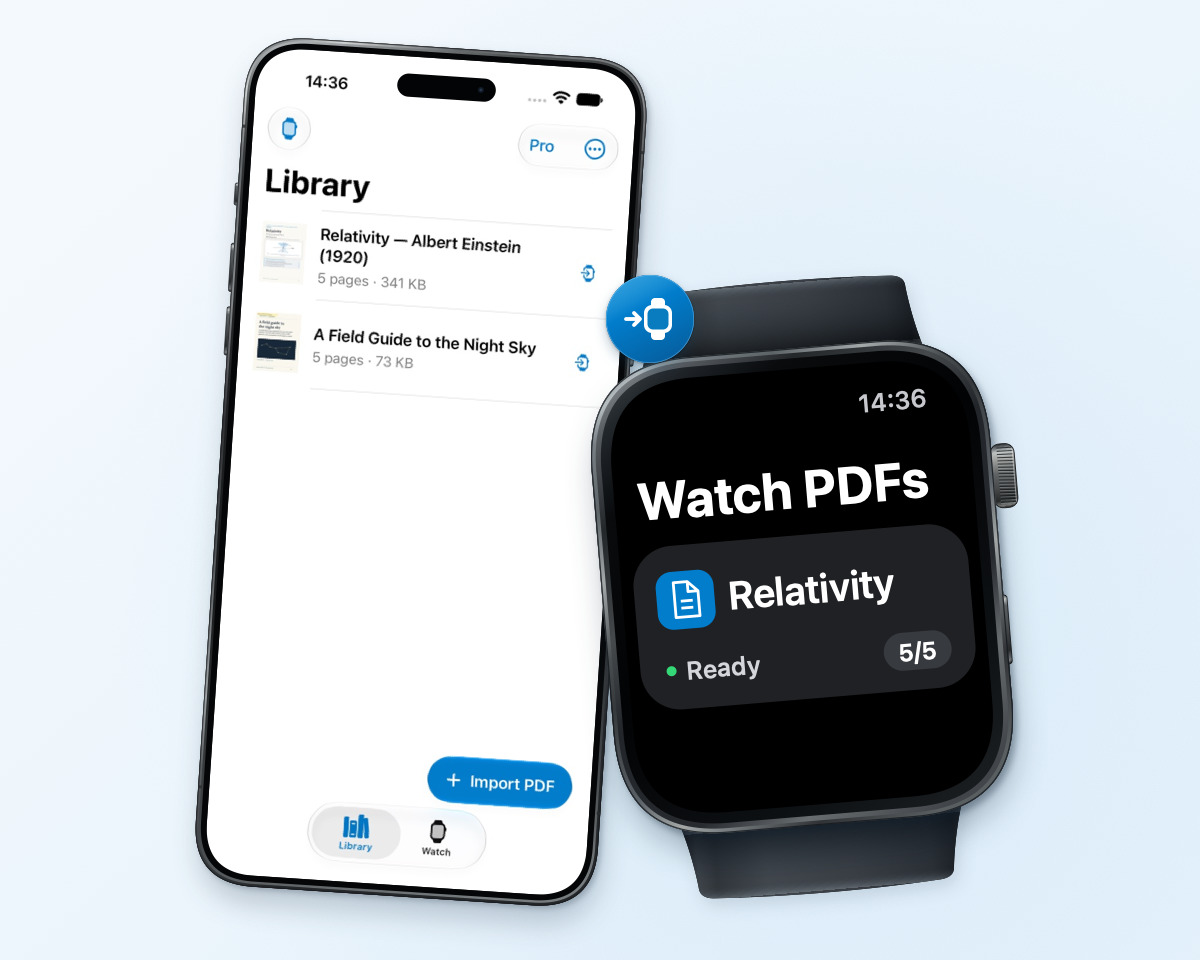
Open a document from Files or choose Watch PDF Viewer in the iPhone share sheet.
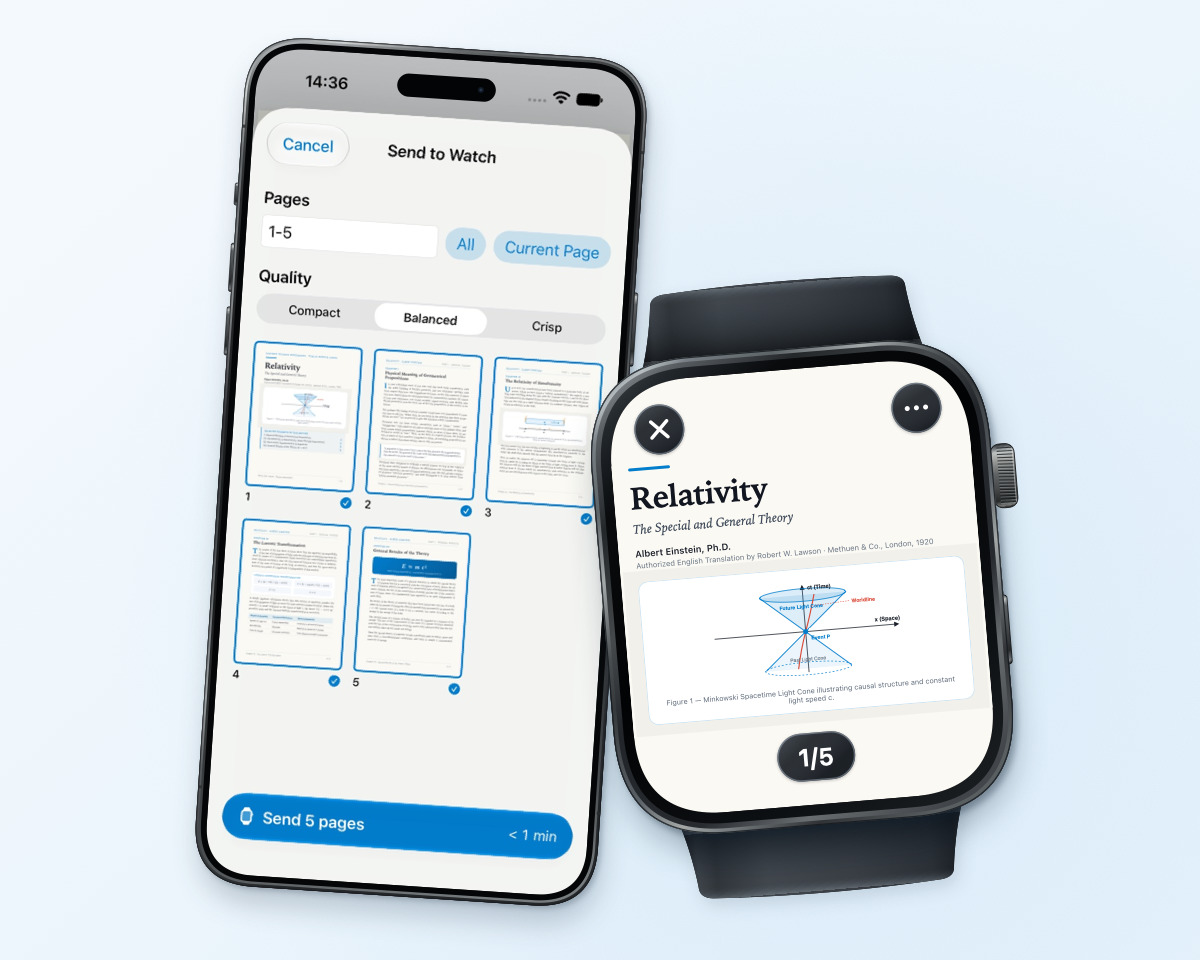
Open Send to Watch, select your pages and quality, then start the transfer.
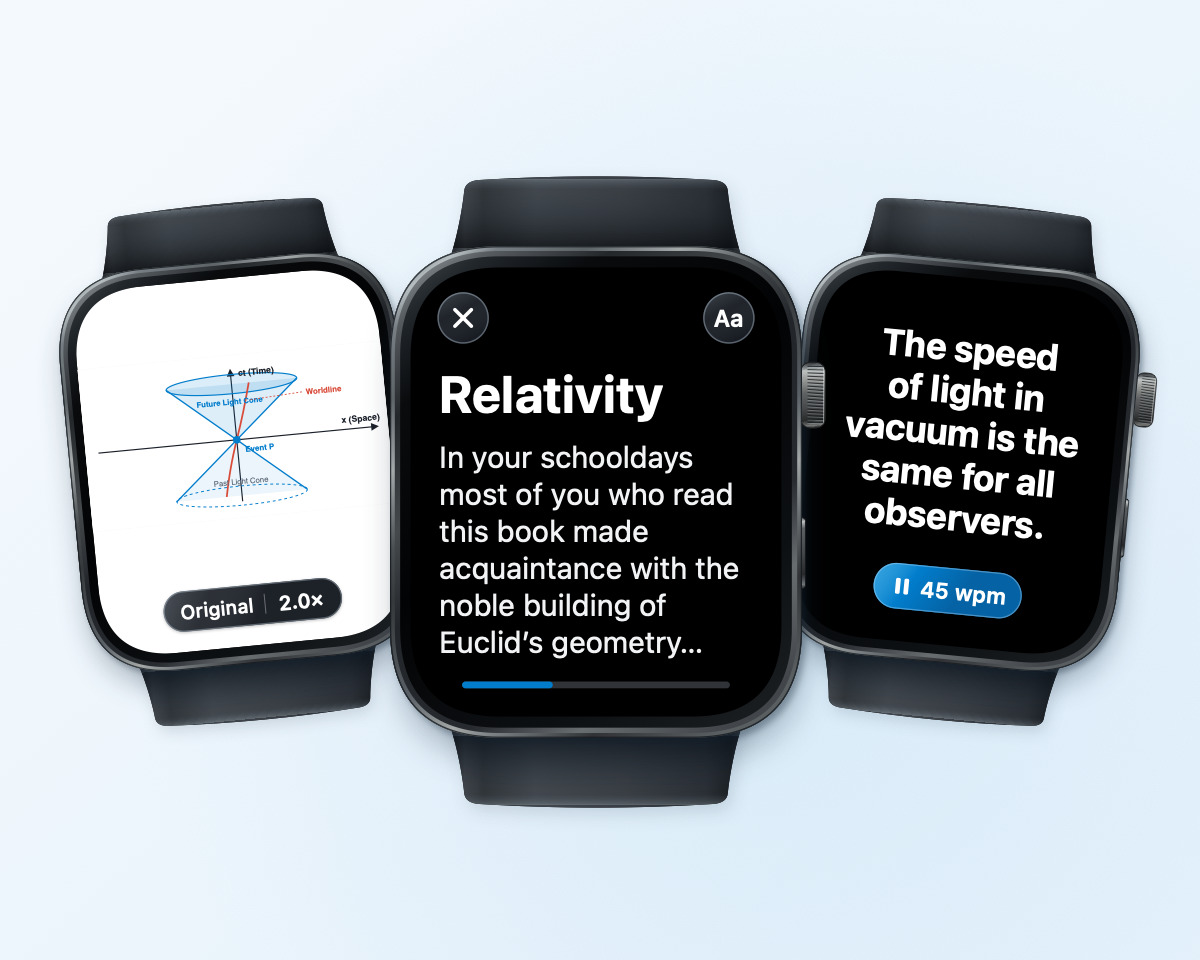
Open the document on Apple Watch. Switch between Page, Reflow, and Auto as you read.
Up to 5 pages per transfer
Unlimited pages
Includes every Free feature. Choose a subscription or unlock Pro with a one-time purchase.
Yes. Use your paired iPhone to import a PDF and send the pages you want. Once those pages appear in your watch library, you can read them offline with your iPhone left at home.
In Original Page, turn the Digital Crown to zoom from 1× to 6×. Double-tap to cycle between 1×, 2×, and 3.5×. Drag to pan across the page when zoomed in.
Original Page displays scanned pages, images, diagrams, and handwritten notes. Smart Reflow and Teleprompter use the PDF’s text layer, so they work with PDFs that contain selectable text.
Yes. In Auto mode, set the scroll speed in words per minute. Use the playback control to pause or resume whenever you need.
Imported PDFs are kept on your iPhone. The pages you send are stored on your paired Apple Watch. Watch PDF Viewer never uploads your documents to an external server.